登录 StudioStudio login
Translook Spatial Center

让空间活起来 Make space come alive

空间屏负责纵深,AI 内容工作室负责内容。一句话,或一张参考图,几分钟后拿到一条能直接上屏的 10 秒竖屏成片。 The display brings the depth; the AI studio brings the content. One sentence or one reference image in — a finished 10-second portrait clip, ready for the screen, a few minutes later.

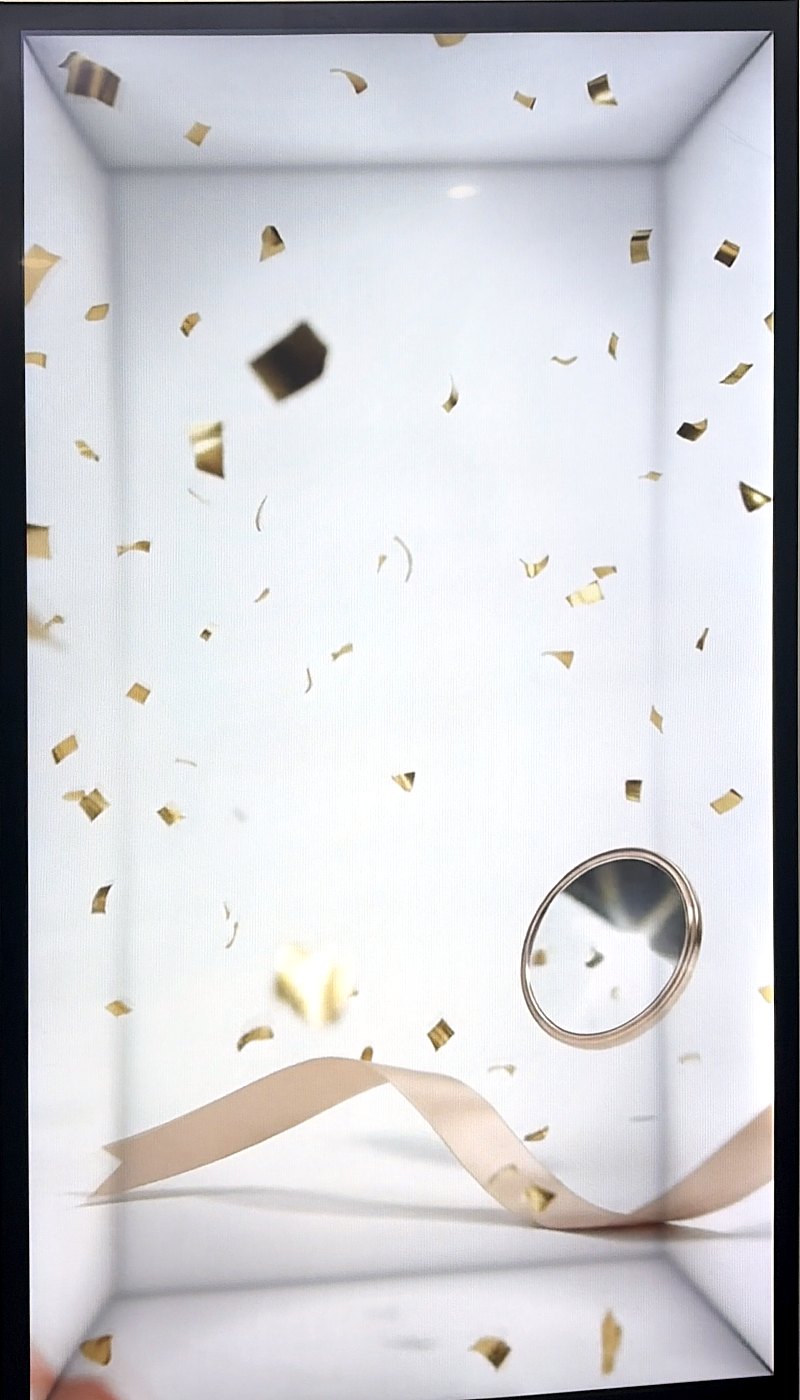
Smart ring floating inside a Translook spatial display
Serum bottle with a price tag floating inside a Translook spatial display
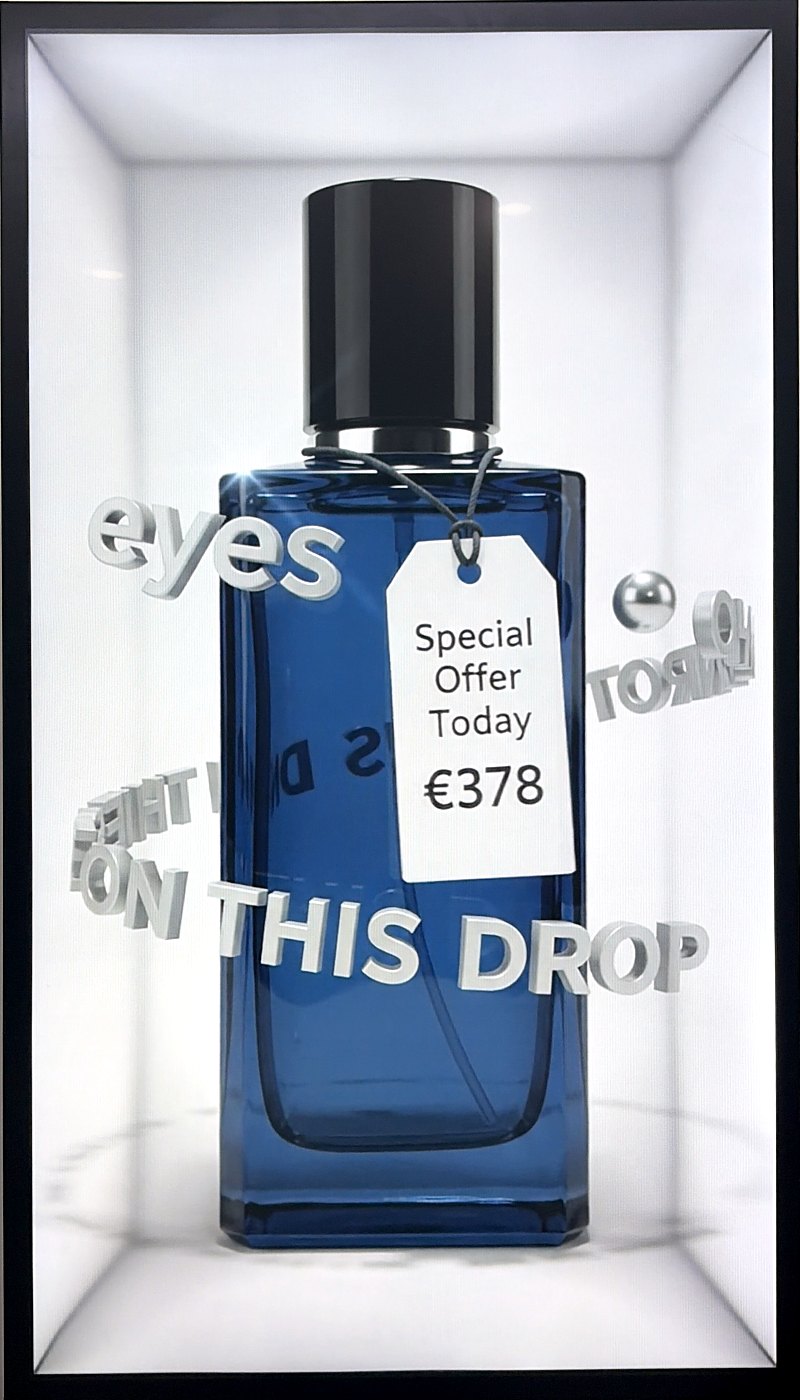
Blue cologne bottle with floating type inside a Translook spatial display
9:16竖屏原生,不是横屏裁出来的Native portrait, not a cropped landscape
10 s单条成片,带音效Per clip, with sound
~2.5 min一条 480p 的实测出片时间Measured time for one 480p clip
15.6″–86″按屏幕尺寸给分辨率建议Resolution advice per screen size
我们的优势Why Translook

硬件、内容、运营,一个团队做完Display, content and operations — from one team

多数平台只生成视频,不管它最后放在哪块屏上。我们从屏幕出发反推内容,所以拿到的是成品,不是素材。 Most platforms stop at generating a video. We start from the screen and work back, so what you get is finished work, not raw footage.

1

为空间屏而生Built for the screen

屏幕自带白色方盒,纵深由硬件提供。所以内容保持干净的白底,不再画方盒、地面线和墙角,不和实体边缘打架。The display ships with its own white recess, so depth comes from the hardware. Content stays on clean white — no drawn box, floor line or wall corner to fight the real edge.

2

一句话出片One sentence, one clip

描述镜头,或上传一张参考图。不用学时间线,不用剪辑,几分钟后拿到 10 秒竖屏成片,MP4 直接下载。Describe the shot, or drop in a reference image. No timeline to learn, no editing — a 10-second portrait clip in minutes, downloadable as MP4.

3

按屏幕尺寸给建议Resolution by screen size

先选屏幕尺寸,系统推荐分辨率和价格。55 寸及以下 480p 够用,65 寸以上建议 720p。你可以推翻建议。Pick the screen size first and we recommend a resolution and its cost. 480p is plenty up to 55″; from 65″ we suggest 720p. You can always override.

4

成片落库才扣费Charged only when it lands

提交时先冻结积分,成片保存成功才结算;生成失败,冻结的积分原路退回。你看到的是任务的真实状态,没有假进度条。Credits are held when you submit and settled only once the clip is saved. If generation fails, the hold is released. You see the job's real state — no invented progress bar.

5

每一分积分都对得上Every credit accounted for

积分流水只追加、不能改,任何余额都能由流水重算。后台的每次人工调整都留审计,对账查询结果应当永远为空。The credit ledger is append-only, and any balance can be recomputed from it. Every manual adjustment is audited, and the reconciliation query should always come back empty.

6

国内国外都打得开Fast on both sides of the wall

页面不依赖任何外部字体、统计或 CDN。外部域名一旦在国内挂住,页面只会变慢,不会白屏,所以我们一个都不用。No external fonts, analytics or CDNs. When a third-party domain hangs in some regions the page just stalls — so we use none, and it opens fast everywhere.
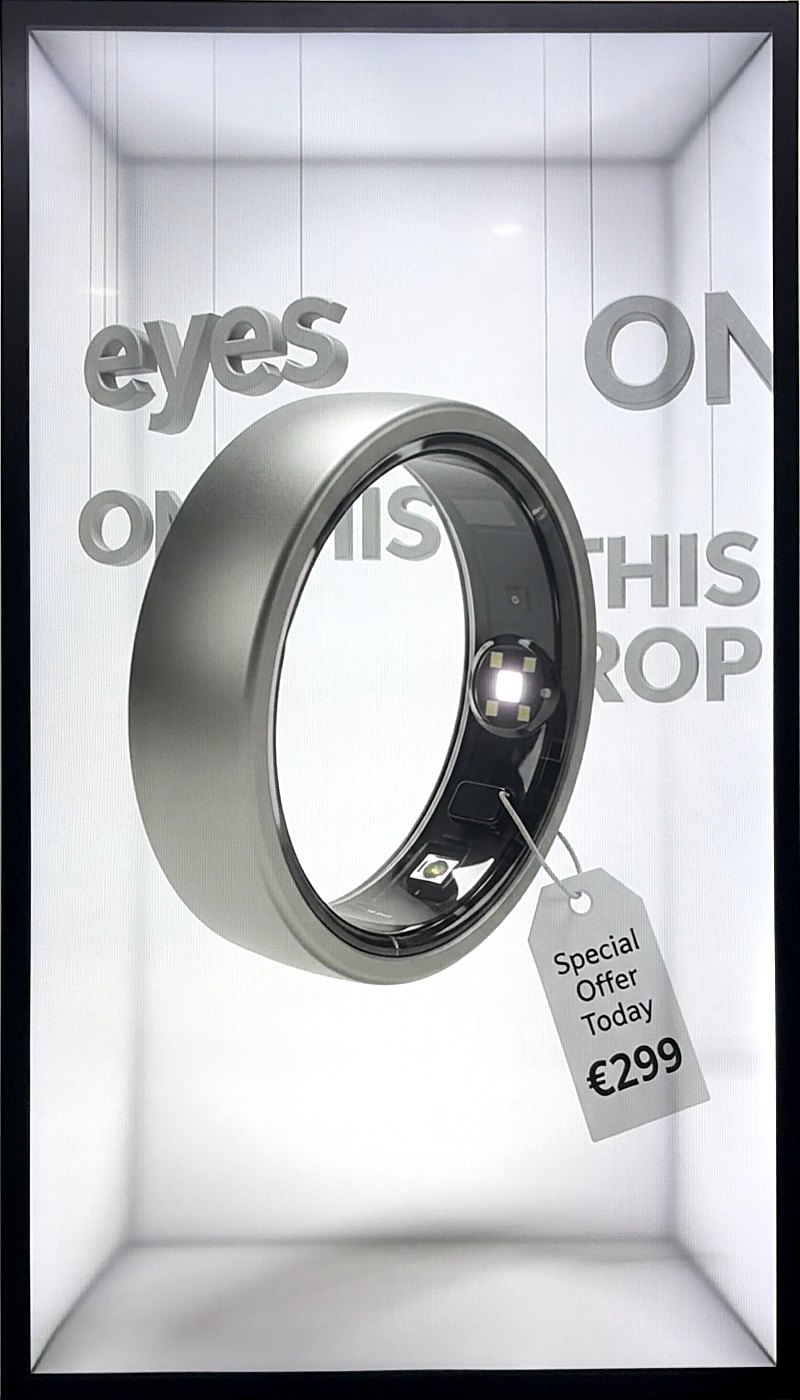
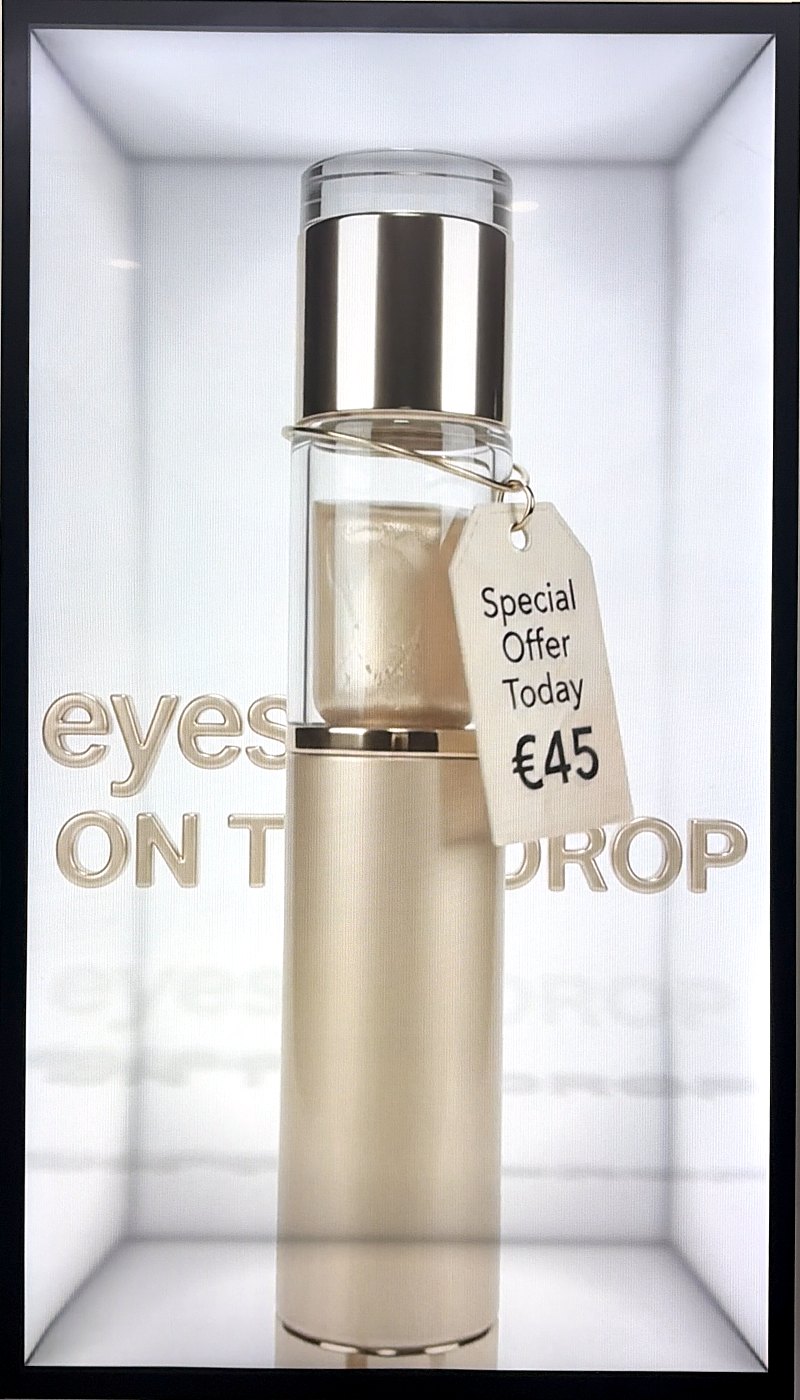
作品Work

在真实空间屏上拍到的样子What it looks like on a real display

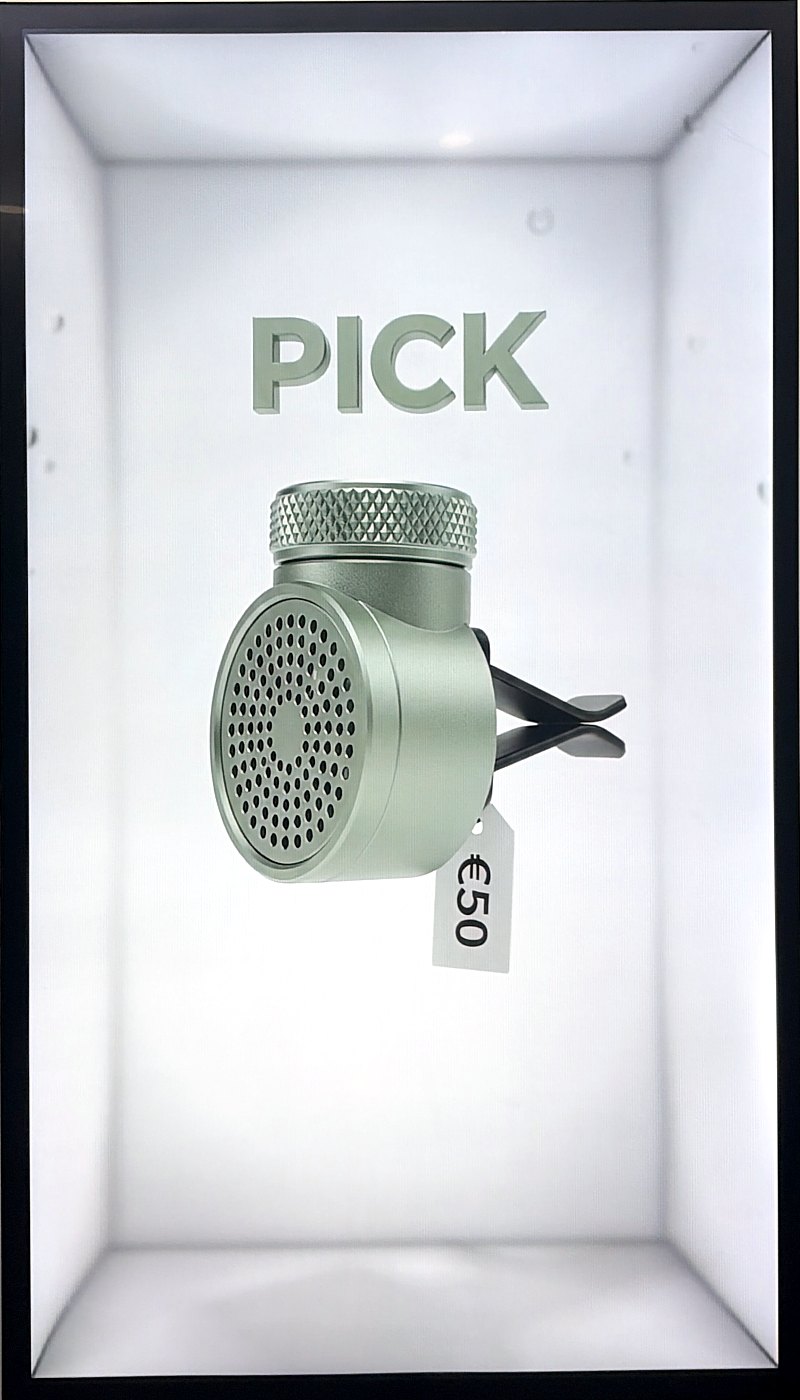
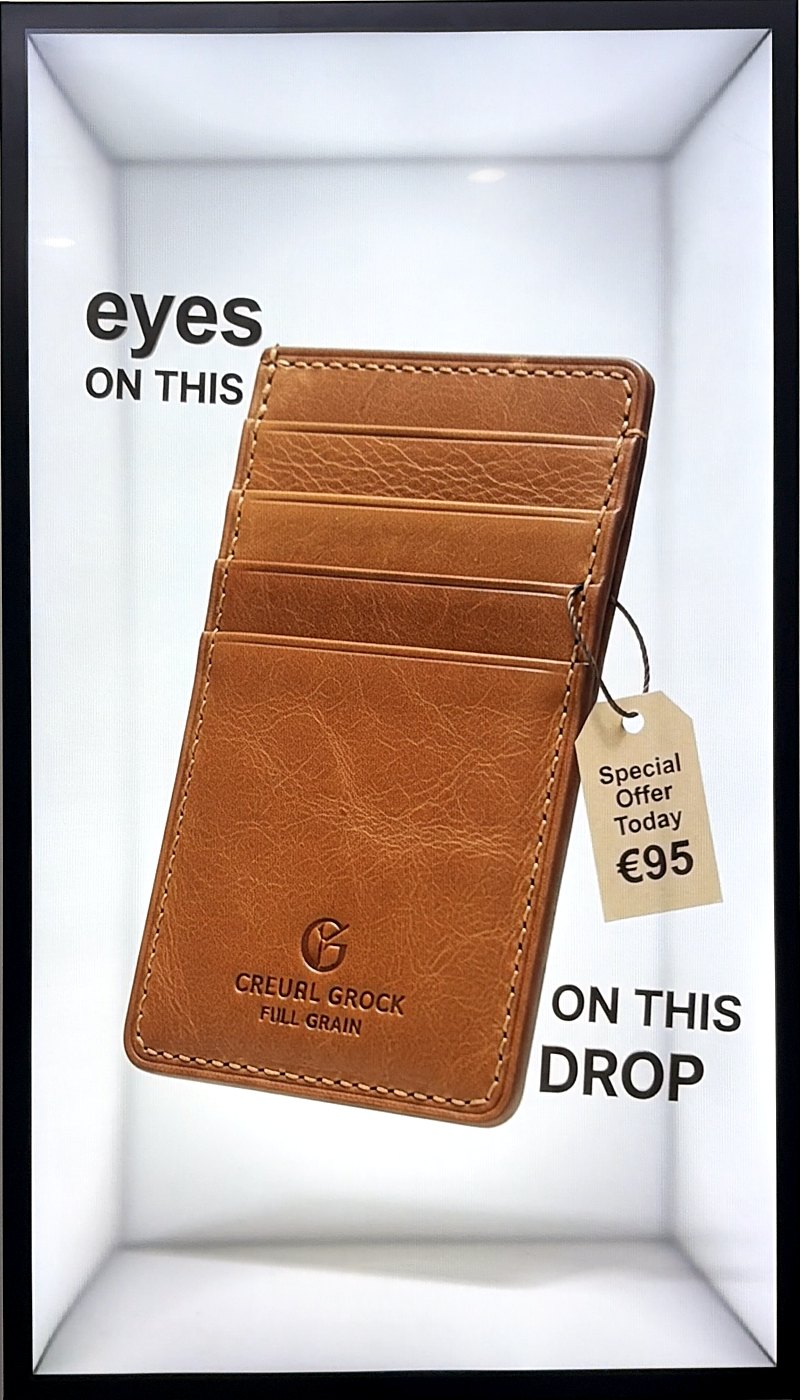
下面都是 Translook 空间屏的现场实拍。白底、悬浮的主体、价签和立体字,是这套内容最常见的样式。Every photo below is a real Translook display. White ground, a floating subject, price tags and dimensional type are the most common look.

流程How it works

三步,从想法到上屏Three steps from idea to screen

1

描述镜头Describe the shot

写下主体和动作,或上传一张参考图。告诉系统你的屏幕尺寸,价格在提交前就报给你。Write the subject and motion, or upload a reference image. Tell us your screen size and the price is quoted before you submit.

2

我们生成We render

一条 10 秒的片子大约两三分钟。关掉网页也没关系,任务在服务端继续跑。A 10-second clip takes about two to three minutes. Close the tab if you like — the job keeps running on our side.

3

播放与下载Play and download

在作品库里预览,下载 MP4,拷贝提示词,或者改一句再来一条。导入屏幕即可播放。Preview in your library, download the MP4, copy the prompt, or tweak a line and go again. Load it onto the display and play.

空间屏Spatial displays

从桌面到展厅,一套内容通用From desktop to showroom, one content format

竖屏 9:16 的内容,适配 15.6 寸到 86 寸的空间屏。越大的屏,越需要更高的分辨率,我们按尺寸替你判断。Portrait 9:16 content fits spatial displays from 15.6″ to 86″. The bigger the screen, the more resolution it needs — we make the call for you by size.

屏幕Screen推荐分辨率Suggested备注Note
15.6″480p桌面、柜台Desk, counter
32″ – 55″480p门店、橱窗Store, window
65″ – 86″720p展厅、大厅Showroom, lobby

分界线放在 65 寸:单一主体加纯净背景放大容错高,55 寸以下 480p 已经够用。The cut-off sits at 65″: a single subject on a clean ground scales forgivingly, so 480p is enough up to 55″.

想让你的空间也动起来?Ready to bring your space to life?

Studio 目前为受邀用户开放。已有账号可以直接登录;想开通或洽谈屏幕合作,给我们写封信。Studio is currently open to invited users. Sign in if you have an account; to get access or talk displays, write to us.